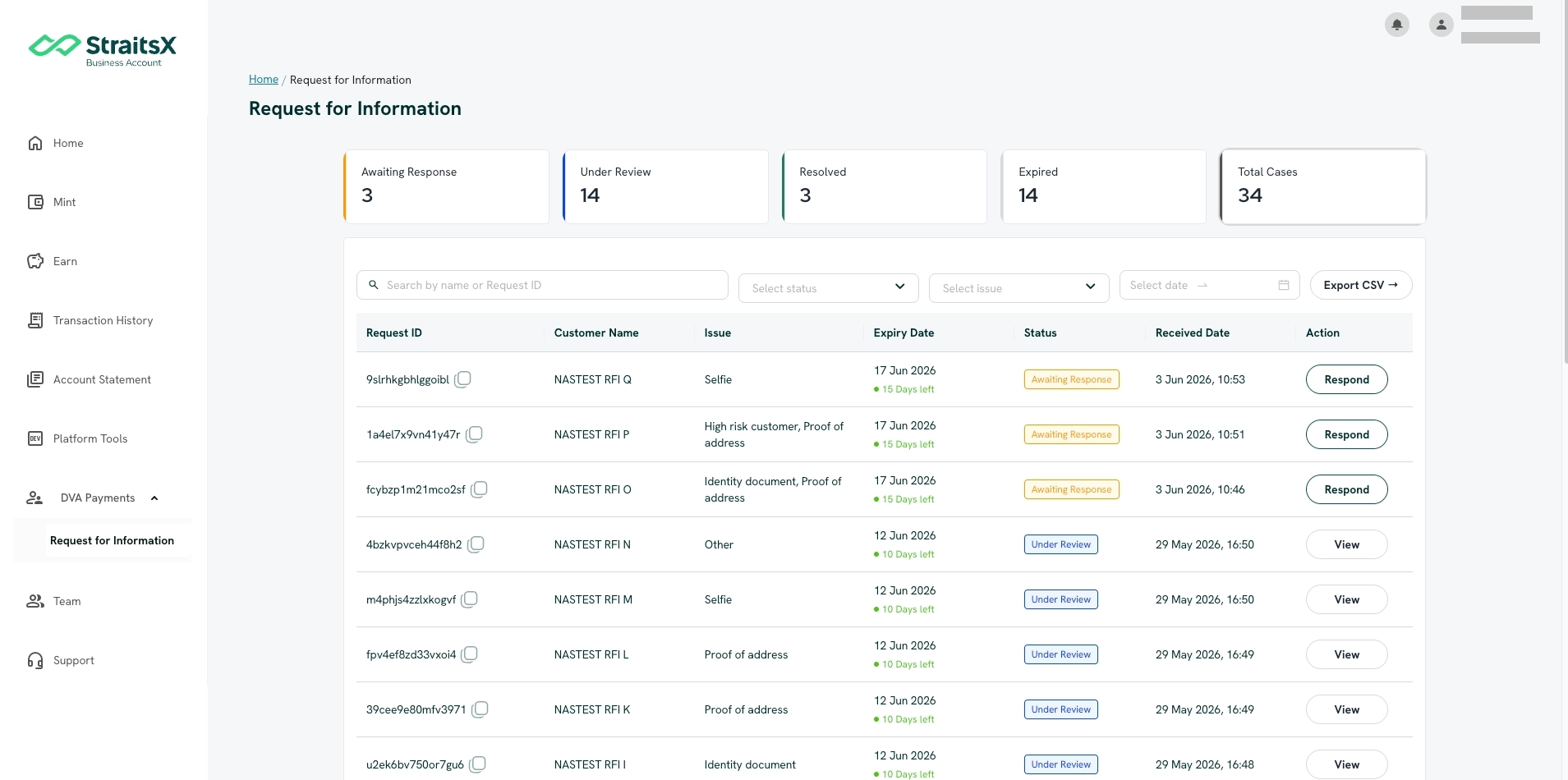
1. Awaiting Response
The RFI requires your response. You can review and respond to the RFI directly from the RFI Dashboard.
Your team member can also respond to the RFI, but they must be assigned the Onboarding Operations role.
2. Resolved (Completed)
Once your RFI response has been reviewed and approved by our verification team, the RFI status will change to Resolved. No further action is required from your side.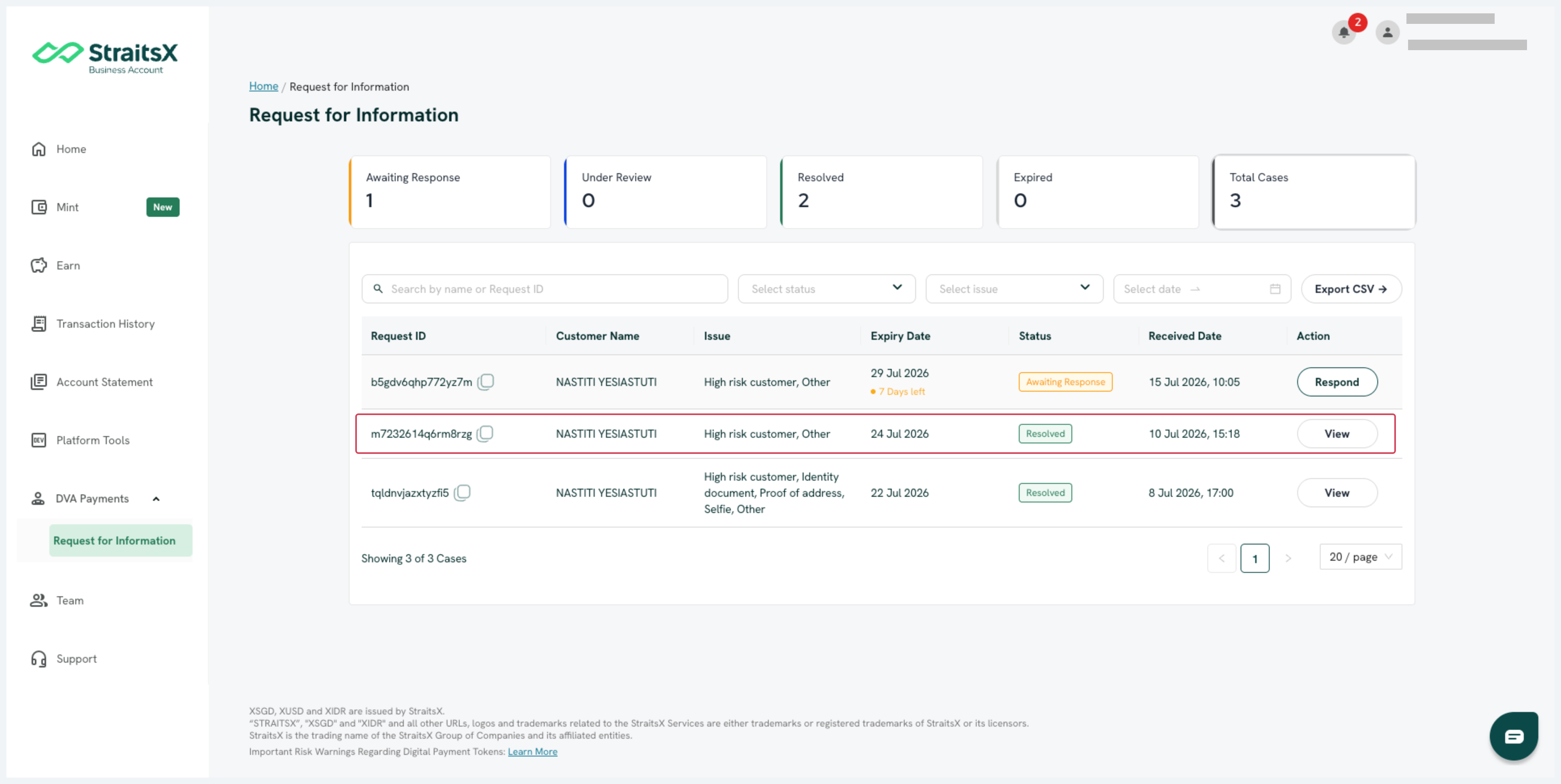
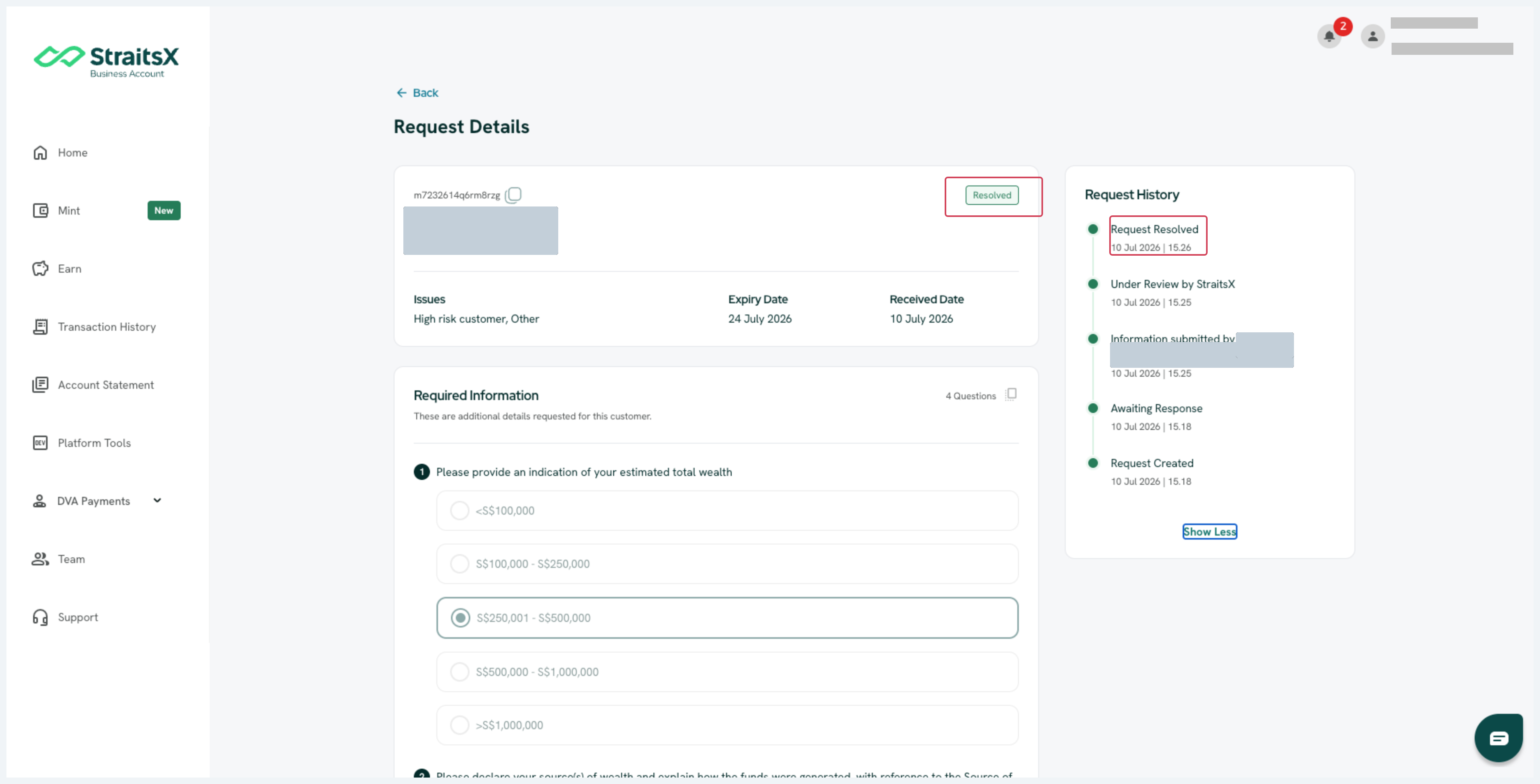
3. Expired
If an RFI expires before a response is submitted, it will be permanently closed and cannot be reopened. You may receive a new RFI regarding the same inquiry.
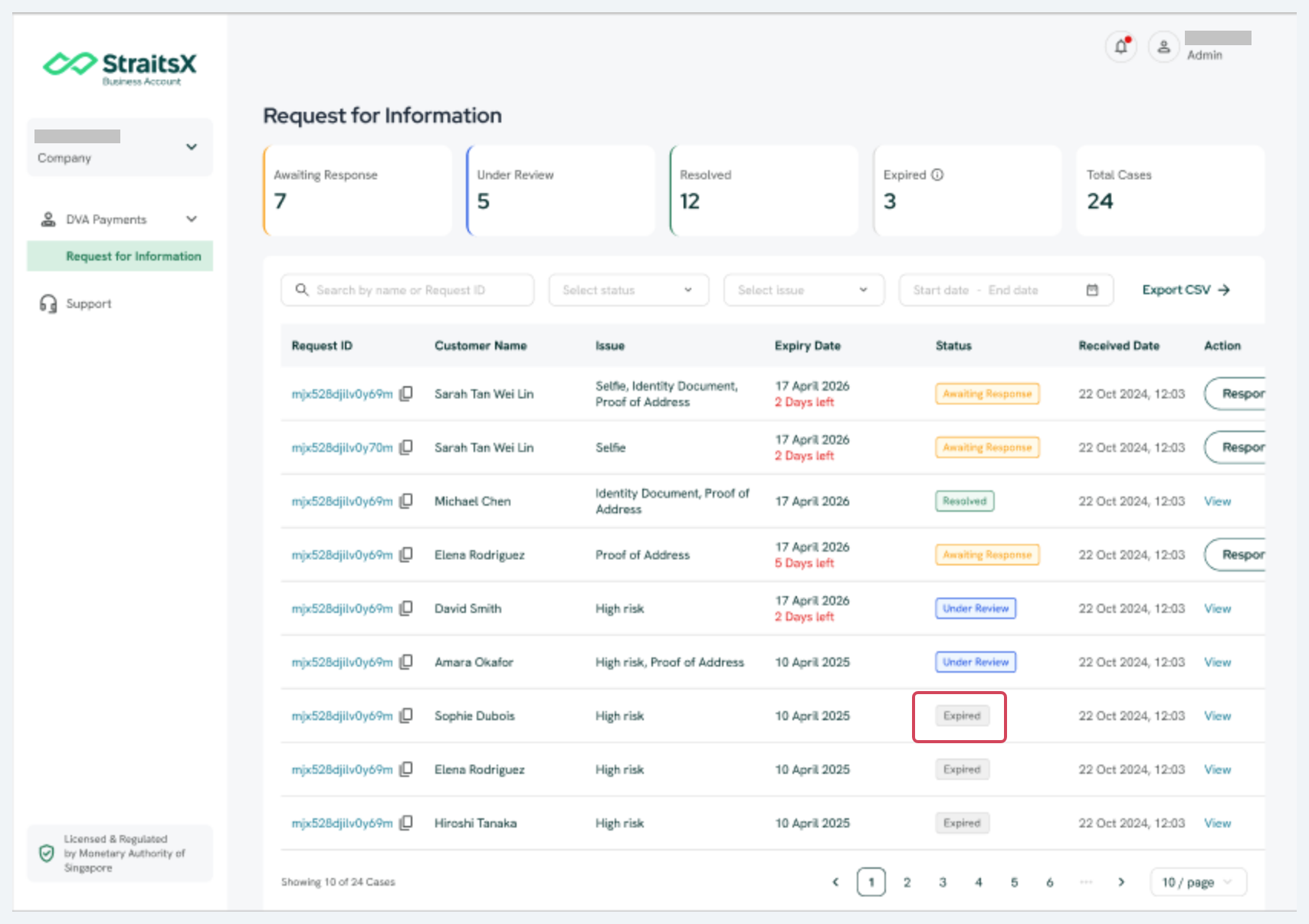
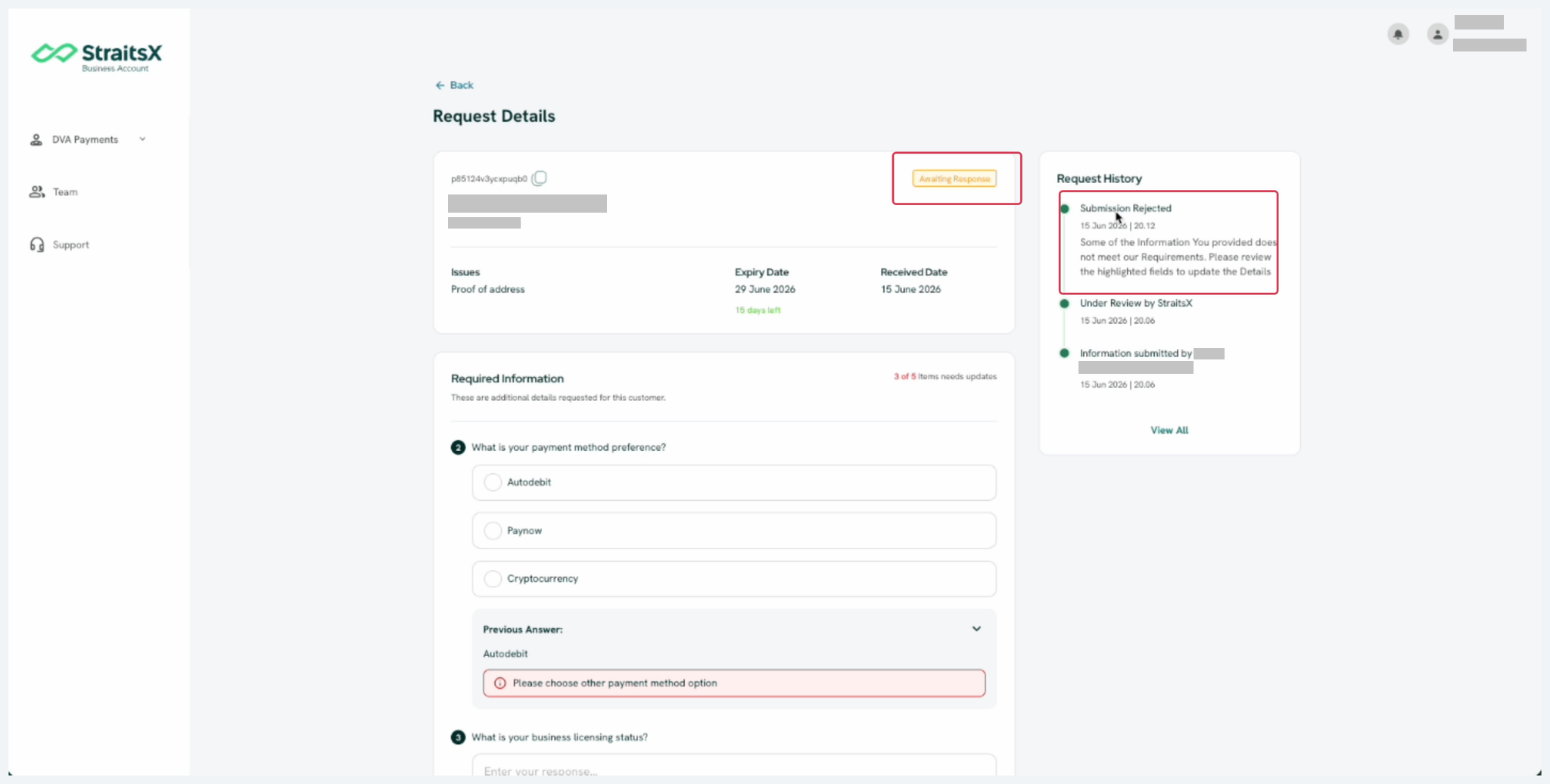
4. Rejected
If your RFI response is rejected, the RFI will be returned to Awaiting Response status, and you will need to revise and resubmit your response. You can view the rejection history in the RFI details, including the reason provided for each specific question that was rejected.
Was this article helpful?
That’s Great!
Thank you for your feedback
Sorry! We couldn't be helpful
Thank you for your feedback
Feedback sent
We appreciate your effort and will try to fix the article